Claims with math. Retyping the formula from the disclosure was where the draft actually slowed down.
Create now supports equations end to end, across description, claims, and figures.
Equations arrive already formatted
Bring an equation in directly from an Invention Disclosure, and there's no need to retype or reformat it once it lands in Create. The specific friction this removes is a familiar one: recreating a formula by hand, then checking it still matches the original once it's been retyped.
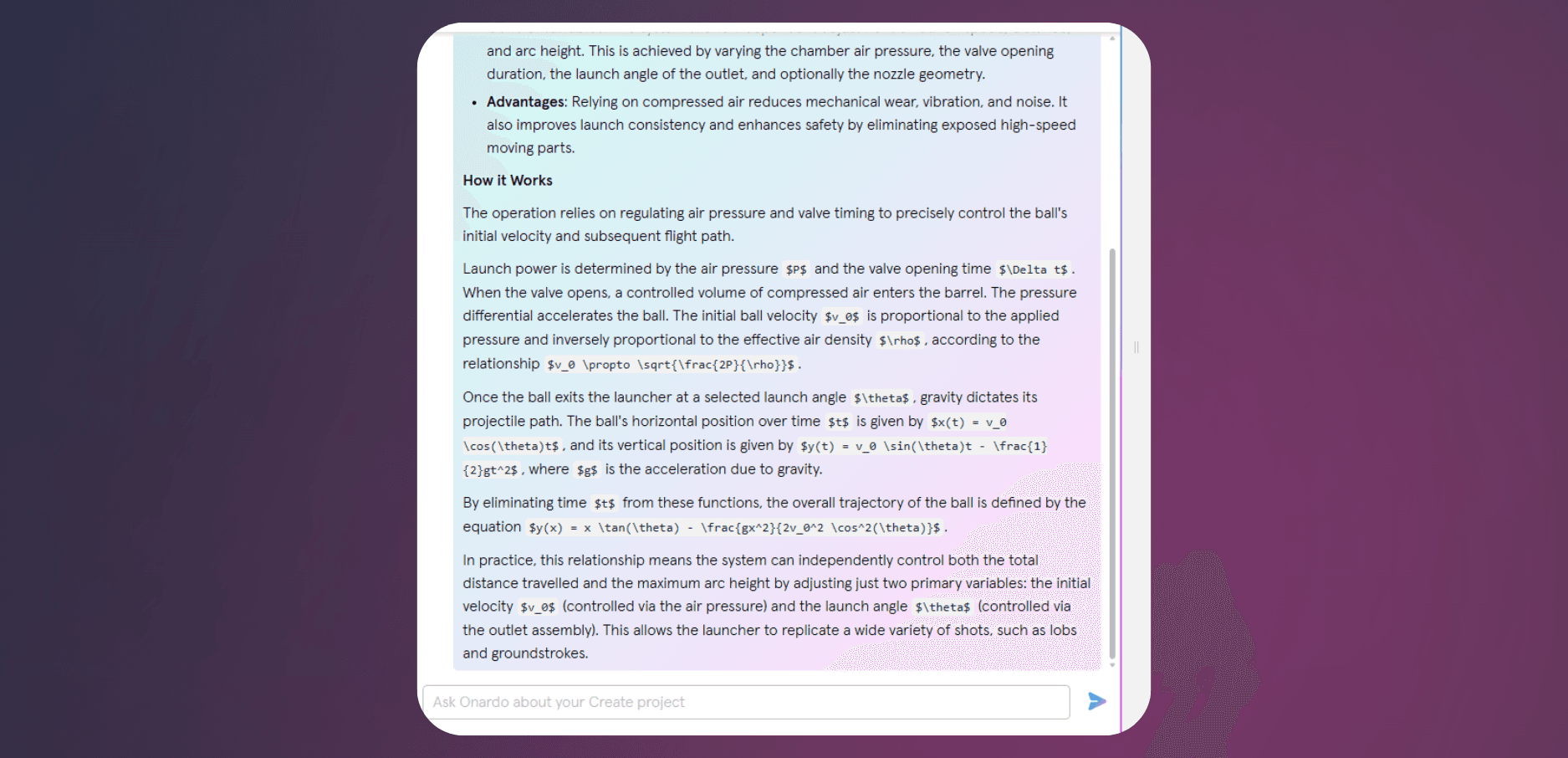
Onardo can actually discuss the equation itself
Because Onardo can read equations, you can ask it questions about one, or get help refining the claim language around it, the same way you'd work through any other part of a draft. That's a different thing from Onardo simply displaying an equation correctly, it's being able to talk about what the equation actually means as part of the drafting conversation.
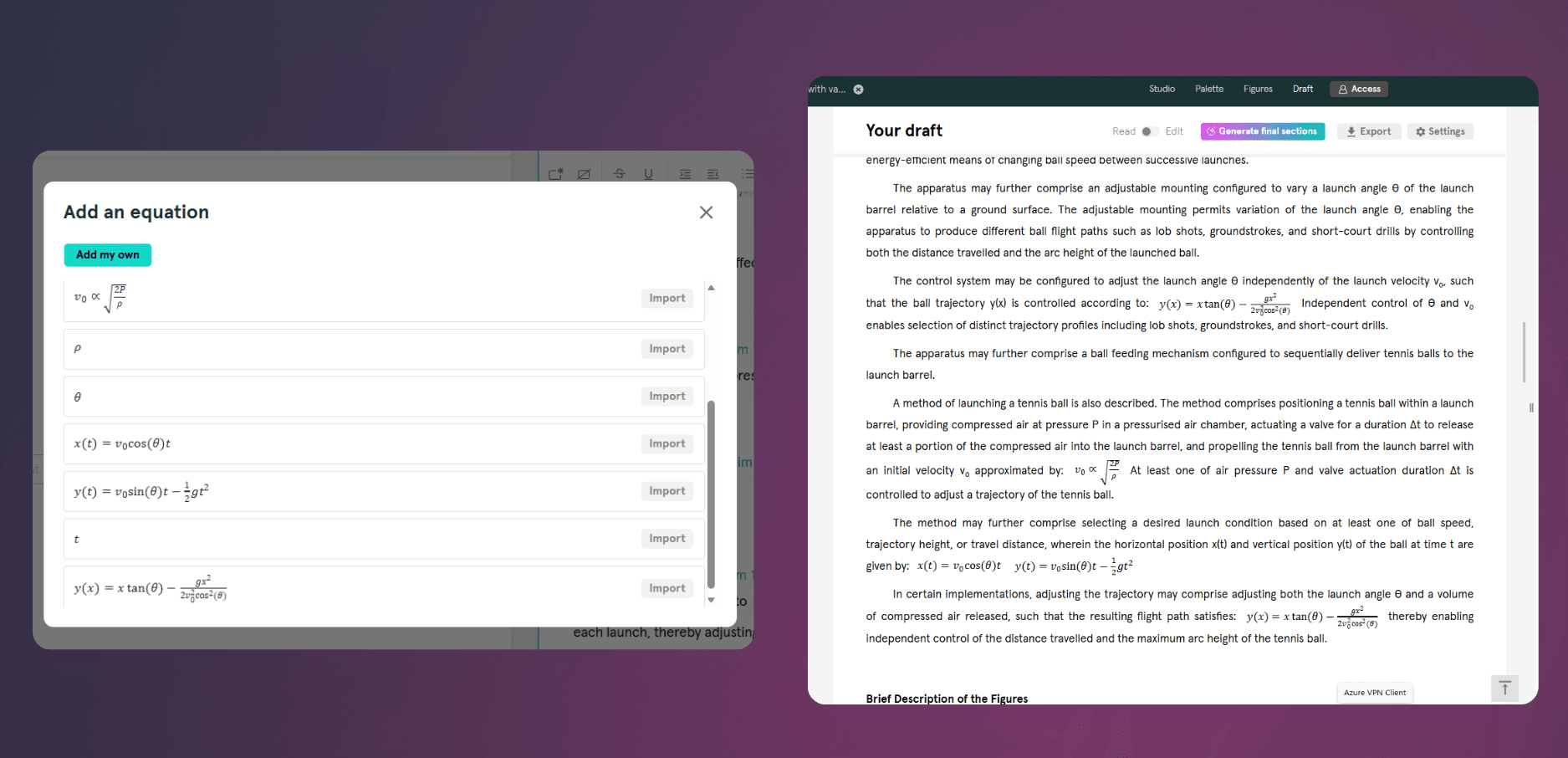
The equation stays the same equation everywhere it appears
Whether you're drafting a claim with a mathematical formula or a figure that references a formula, the equation renders properly and stays consistent across the draft. An equation that looks slightly different in the claims than it does in the description is exactly the kind of inconsistency that gets caught late and costs time to fix.
Create now handles equations across Draft, Claims, and Figures. Book a demo.
Equations arrive already formatted
Bring an equation in directly from an Invention Disclosure, and there's no need to retype or reformat it once it lands in Create. The specific friction this removes is a familiar one: recreating a formula by hand, then checking it still matches the original once it's been retyped.
Onardo can actually discuss the equation itself
Because Onardo can read equations, you can ask it questions about one, or get help refining the claim language around it, the same way you'd work through any other part of a draft. That's a different thing from Onardo simply displaying an equation correctly, it's being able to talk about what the equation actually means as part of the drafting conversation.
The equation stays the same equation everywhere it appears
Whether you're drafting a claim with a mathematical formula or a figure that references a formula, the equation renders properly and stays consistent across the draft. An equation that looks slightly different in the claims than it does in the description is exactly the kind of inconsistency that gets caught late and costs time to fix.
Create now handles equations across Draft, Claims, and Figures. Book a demo.