How do I search the patent office database?
Intellectual Property Management
Aug 12, 2025
Learn how to effectively search patent databases, analyze competitors, and navigate global patent systems for comprehensive intellectual property insights.
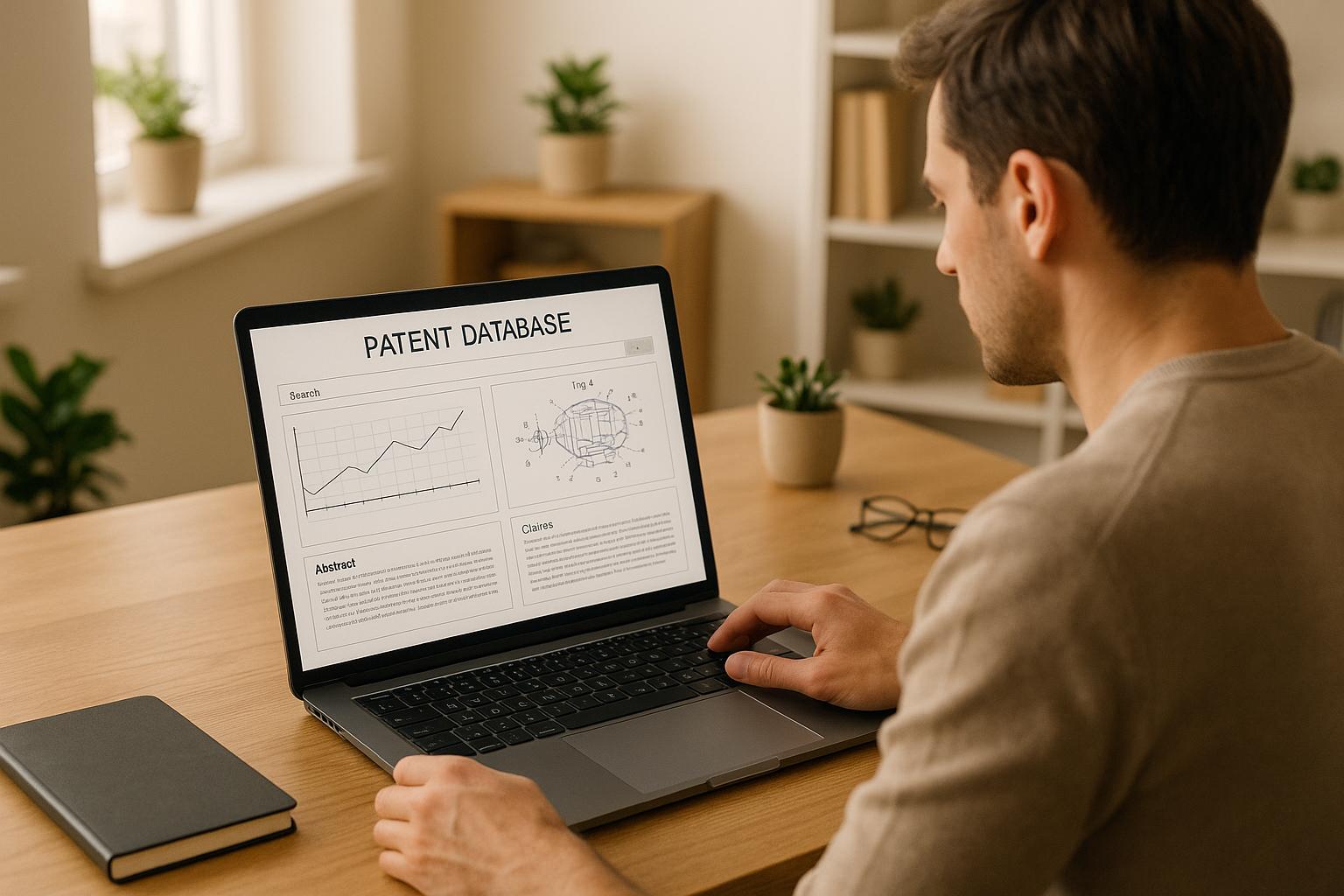
To effectively search patent office databases, start by defining your goals - whether it's checking if an invention is new, analyzing competitors, or assessing market risks. Focus on three main platforms:
USPTO Patent Public Search: For U.S. patents.
WIPO's PATENTSCOPE: For global applications.
Key steps include using keywords, classification codes (CPC/IPC), and narrowing searches by dates, inventors, or companies. Combine simple and advanced queries to refine results. Tools like Patently's AI can also improve accuracy by identifying related patents through semantic search and citation analysis.
For a global perspective, track patent families and legal statuses across jurisdictions. Always review full patent records, including claims and citations, to ensure thoroughness. Cross-check findings with official records to avoid errors.
Finding U.S. patents in Patent Public Search - A demo of the USPTO's search interface
Patent Search Basics
Getting a handle on patent searches starts with understanding the essentials. Typically, a thorough search covers a timeframe of 20+ years, but the exact scope depends on your specific goals.
Set Your Search Goals
Your search strategy should align with your objectives. Here are some common types of patent searches:
Novelty searches: These help determine if an invention is new and patentable. They require broad searches across various classifications and keywords to ensure nothing similar exists. This includes both granted patents and published applications.
Freedom-to-operate (FTO) analysis: Focuses on active patents that could restrict your product or service. These searches are more targeted, zeroing in on specific features of your product and the markets you plan to enter.
Competitive intelligence searches: These monitor what your competitors are working on. This involves tracking specific companies (assignees) and inventors over time, often by setting up regular searches to spot new filings from key players in your industry.
Prior art searches: Used for patent prosecution or litigation, these are the most exhaustive. They aim to uncover any published material - patents, technical papers, or non-patent literature - that could challenge the validity of patent claims.
Each type of search requires tailored terms, date ranges, and databases. For instance, novelty searches use broad keyword combinations, while FTO searches focus on specific technical features and active patent statuses. Once your goal is clear, the next step is understanding the types of patent documents to target.
Learn Key Patent Data Types
Patent databases are filled with various document types, and knowing the differences is crucial for effective searching:
Granted patents: These are applications that have been examined and approved, carrying enforceable intellectual property rights. In the U.S., they’re identified by numbers like 11,234,567.
Published applications: These appear 18 months after filing, regardless of whether they’re eventually granted. They’re labeled with numbers like US20230123456A1 and count as prior art for novelty searches.
International filings: A single invention might have multiple filings, such as a PCT (Patent Cooperation Treaty) application and separate filings in the U.S., Europe, and other regions. These related filings form a "patent family", representing the same invention across different jurisdictions.
Classification systems: Patents are organized by technology areas using systems like the Cooperative Patent Classification (CPC) and the International Patent Classification (IPC). For example, CPC code H04L 63/08 relates to network security technologies. These systems help pinpoint patents in specific fields, even if the language used by inventors varies.
Patent status: Especially important for FTO searches, a patent’s status indicates whether it’s active, expired, or invalidated. For instance, a patent might have lapsed due to unpaid maintenance fees or had claims invalidated through post-grant proceedings. The USPTO provides legal status details, but interpreting them requires careful attention to dates and procedural history.
Collect Known Information First
Once you’ve set your goals and familiarized yourself with patent data types, gather as much information as possible to streamline your search:
Patent and application numbers: These provide a direct route to specific documents and allow you to explore related patents through citations and family members.
Company names (assignees): Tracking patents filed by competitors can reveal their strategies. Keep in mind that large companies often file under various subsidiary names, so search for all possible assignee variations.
Inventor names: Key researchers often file patents across different companies or institutions. However, variations in how names are recorded (e.g., "Smith, John", "Smith, J.", or "Smith, John A.") can complicate searches.
Classification codes: If you find a patent closely related to your technology, note its CPC or IPC codes. These codes can lead you to other relevant patents, even if they use different terminology.
Keywords and technical terms: Include a mix of common terms and industry-specific jargon. For example, "machine learning", "artificial intelligence", "neural networks", and "deep learning" might all describe the same concept, depending on the inventor's background and the filing date.
Priority dates and filing dates: These help narrow your search timeframe. For FTO searches, focus on patents filed within the last 20 years, as older ones are likely expired. For novelty searches, older patents still matter but recent filings often reflect the latest advancements.
How to Use USPTO Patent Public Search
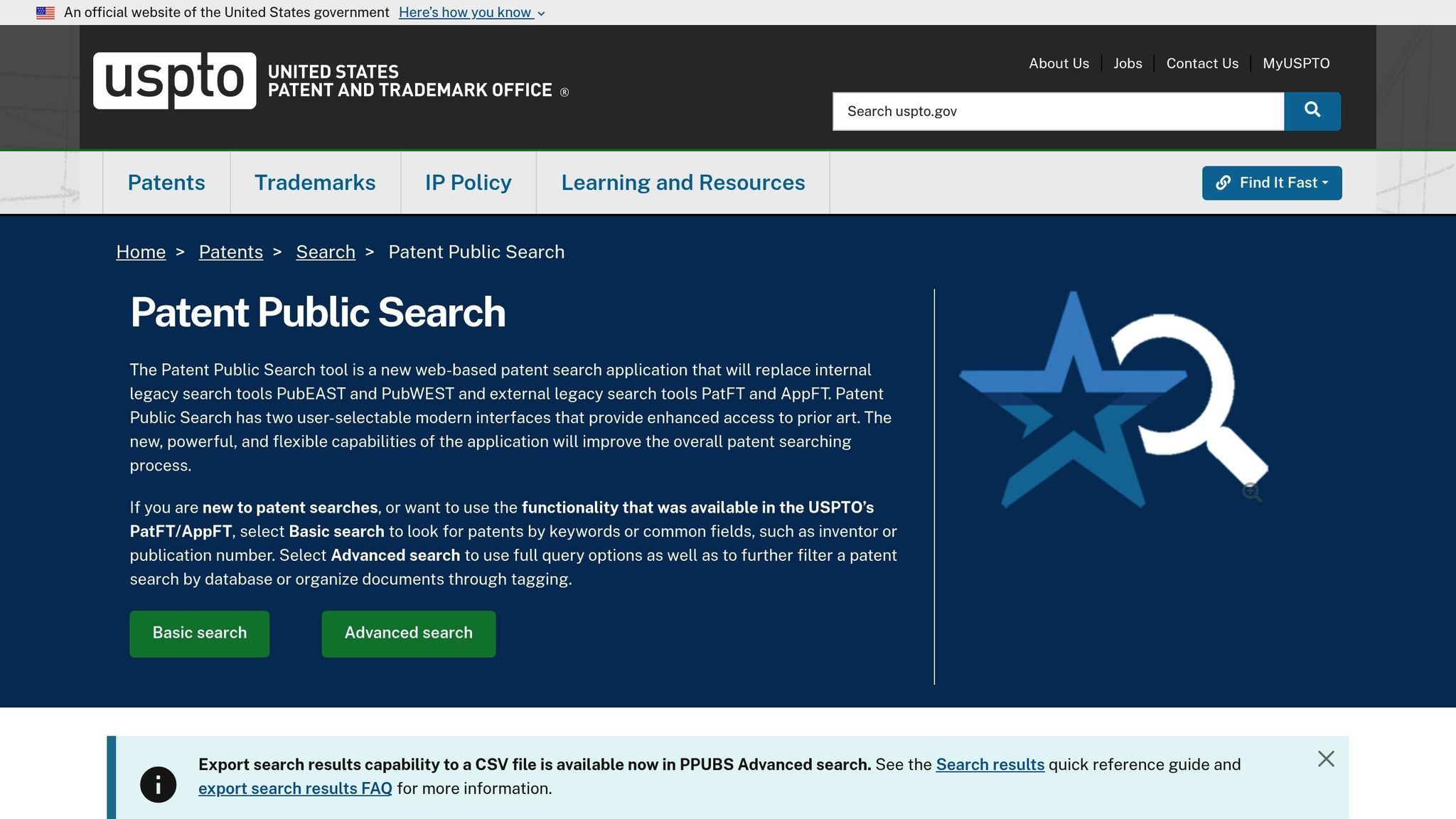
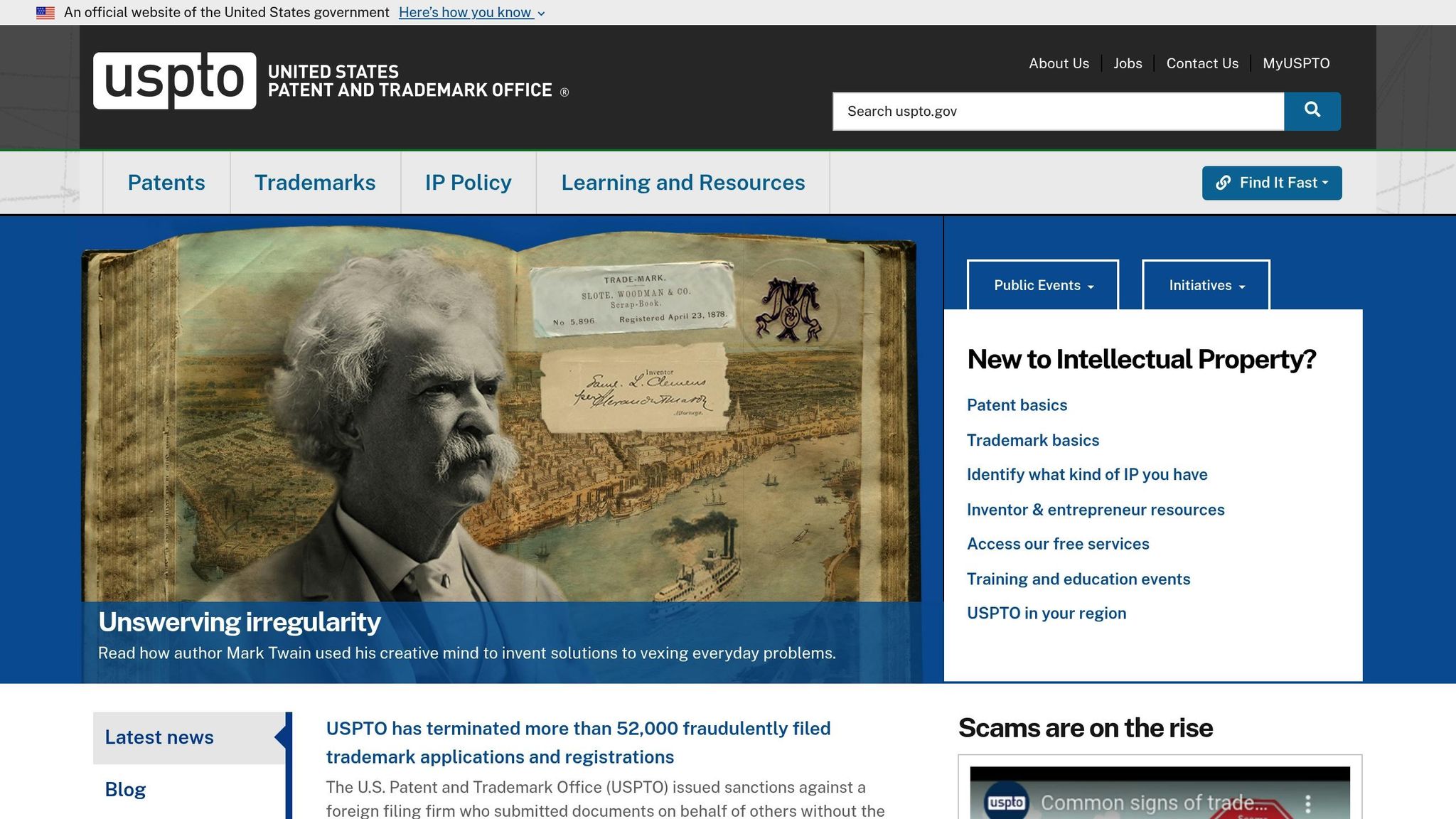
The USPTO Patent Public Search (PPUBS) system is a free, web-based tool designed for patent searches. It replaced older systems like PatFT, AppFT, PubEAST, and PubWEST, which were officially retired on September 30, 2022. You can access it from any device with an internet connection.
Getting Started with the Platform
To begin, open your browser and head to the USPTO Patent Public Search page. Once there, you'll notice two interface options:
Basic Search: Ideal for quick and straightforward lookups, perfect for those new to the system.
Advanced Search: Designed for more detailed and complex searches with additional tools.
Before diving into your search, take a moment to explore the training materials available on the platform. These include quick reference guides, tutorial videos, and detailed instructions on using search operators, keyboard shortcuts, stopwords, and case sensitivity rules. These resources are invaluable for improving your search precision.
Conducting Searches: Basic and Advanced
If you're looking for something simple, the Basic Search interface allows you to quickly type in your query and get results. However, for more specific or refined searches, switch to the Advanced Search interface. This option supports Boolean operators, enabling you to create highly detailed search queries.
Mastering these tools will prepare you for more comprehensive patent research, including accessing international patent databases, which will be covered in the following section.
Search International Patents with EPO and WIPO
Once you've explored U.S. patent databases, it's time to expand your search globally. Many inventions are filed internationally, making tools like Espacenet from the European Patent Office (EPO) and PATENTSCOPE from the World Intellectual Property Organization (WIPO) essential for thorough research. These platforms complement earlier strategies by broadening your access to international patent data.
Searching with Espacenet (EPO)
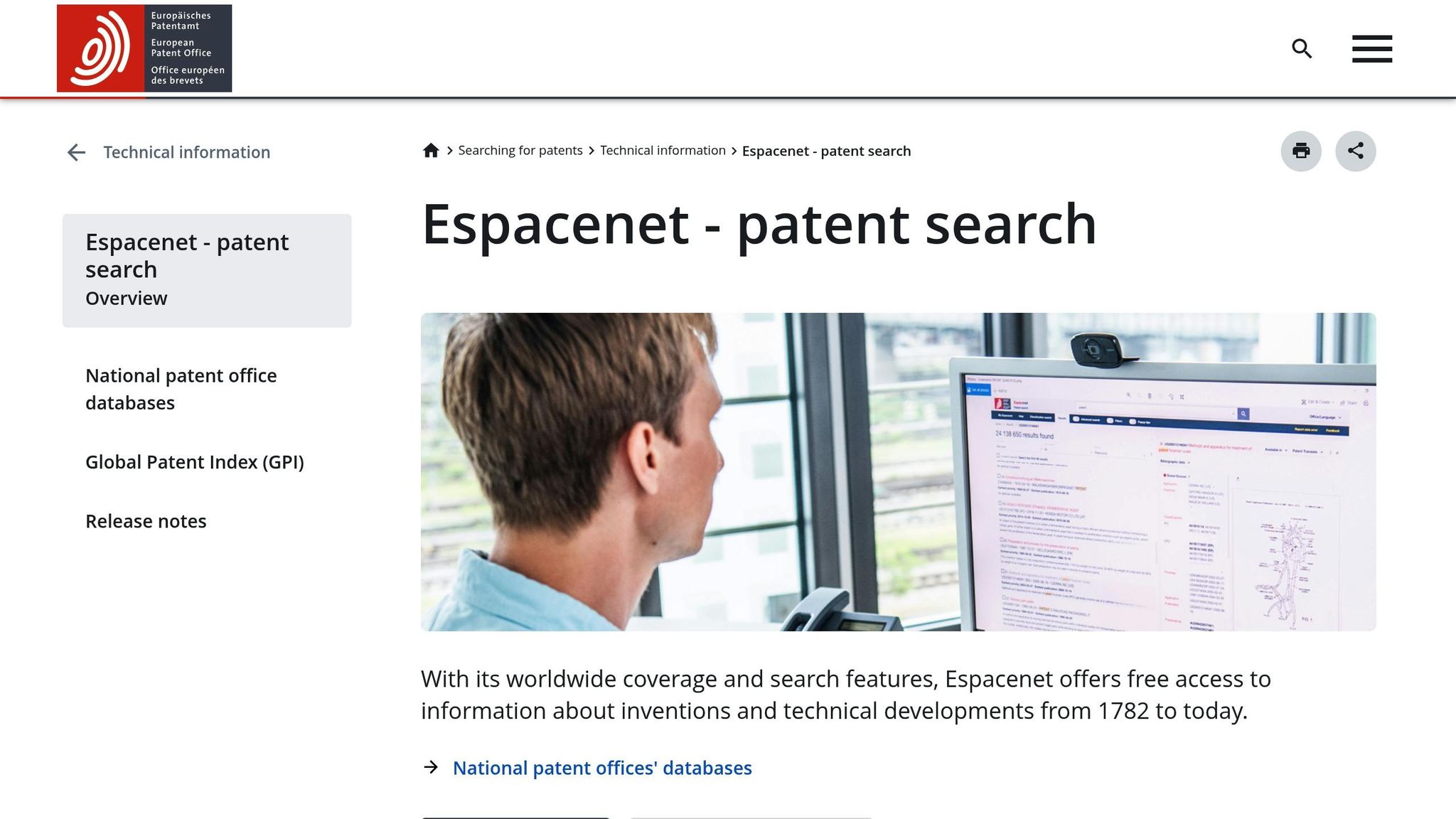
Espacenet opens the door to millions of patent documents from over 100 countries, offering a treasure trove of information. One standout feature is its ability to display patent families - groups of related applications filed in different countries.
To get started, visit the Espacenet website and choose between Smart search or Advanced search depending on your needs. For straightforward queries, like searching for a specific company or patent number, the Smart search is quick and effective. For example, entering "Apple Inc" will pull up patents filed across various countries and years.
If your search requires more precision, the Advanced search option lets you combine multiple fields. You can search by inventor names, publication dates, International Patent Classification (IPC) codes, or keywords in titles and abstracts. IPC codes are particularly useful for narrowing down technology areas. For instance:
H04W: Wireless communication technologies
A61K: Pharmaceutical preparations
Espacenet also offers a citation analysis feature. By clicking the "Citations" tab on a patent record, you can see which patents influenced the invention (backward citations) and which newer patents reference it (forward citations). This helps map out the technological landscape and uncover related innovations.
Using PATENTSCOPE for WIPO Publications
PATENTSCOPE specializes in PCT (Patent Cooperation Treaty) applications, which are international filings that can eventually lead to patents in multiple countries. It's a powerful resource for spotting emerging technologies before they reach national patent offices.
The platform provides two main search options:
Simple Search: Ideal for quick queries.
Structured Search: Offers more control by letting you specify fields like applicant names, inventor names, priority dates, classification codes, and more. You can even filter results by language or publication date ranges.
PATENTSCOPE supports both IPC and CPC codes for detailed searches, making it easier to pinpoint specific technologies. One standout feature is its CLIR tool, which translates search terms into multiple languages. This is invaluable when researching patents filed in different regions around the world.
Tracking Patent Families and Citations
Both Espacenet and PATENTSCOPE excel at displaying patent families, which show how the same invention has been filed across multiple countries. This information is critical for understanding the global reach and legal status of a patent.
In Espacenet, click the "Patent family" tab on a patent record to view related applications worldwide. You'll find details like the priority date (the original filing date), family members in various countries, and their current legal status. These details help determine whether a patent is still active and where it holds protection.
Citation tracking is another valuable tool. Backward citations reveal earlier patents or publications that influenced the invention, while forward citations highlight newer patents that reference it. Following these citation trails can uncover patents that might not surface through standard keyword searches.
For a complete picture, cross-reference findings between Espacenet and PATENTSCOPE. For example, an invention might start as a PCT application in PATENTSCOPE and later appear as granted patents in multiple countries via Espacenet. By tracking patent families and citations across both platforms, you can capture the full lifecycle of an invention - from early-stage filings to mature patents.
Improve Your Search Strategy
Sharpen your search process by blending different techniques and refining your queries step by step. A good starting point is combining keywords with classification codes to get more precise results.
Combine Keywords and Classifications
An effective patent search strikes a balance between flexible keywords and precise classifications. Begin by brainstorming synonyms, technical terms, and variations for your main concepts. Inventors often use a wide range of terminology, so being thorough here is key.
Pay attention to the language used in relevant patents. For instance, if you're investigating battery technology, you might come across terms like "electrochemical cell", "energy storage device", or "rechargeable power source" instead of just "battery." Incorporating these terms into your search can make a big difference.
To add precision, integrate classification codes like CPC or IPC into your search. These codes help you focus on specific technology areas. Combine them with your refined keywords to avoid missing patents that use uncommon terms while filtering out unrelated results.
Another tip: cross-check your findings. Run separate searches using only keywords and only classification codes, then compare the results. Patents that appear in both sets are likely highly relevant, while those that show up in just one might point to areas you need to explore further.
Review Full Patent Records
Once you've identified promising patents, don't stop at the titles and abstracts. Dive deeper into the full records to uncover detailed technical insights.
Focus on the claims section. This part outlines the legal scope of the patent. Independent claims define the broadest protection, while dependent claims add details. Understanding this section helps you see whether a patent is truly relevant and can even reveal new search terms.
Examine the detailed description. This section often includes background information, alternative designs, and technical specifics that aren't in the abstract. It’s a goldmine for finding synonyms, related technologies, and fresh ideas for your searches.
Study drawings and figures. Visuals can offer clues about mechanical setups, system designs, or processes that aren't immediately clear from the text. Reference numbers in the drawings often tie back to detailed explanations, giving you more context and terminology to work with.
As you review, document useful details like technical terms, inventor names, assignee companies, and classification codes. Building this vocabulary will improve your follow-up searches.
Refine Searches Step by Step
Patent searching is an iterative process - it takes time and adjustments to get it right. Start with broad searches and gradually narrow your focus based on what you learn.
Track your search history. Keep a record of the databases you’ve used, the terms and codes you’ve tried, and the results you’ve gotten. This helps you avoid repeating work and spot gaps in your coverage. Note which strategies yield the best results so you can replicate them.
Use citation analysis. When you find a relevant patent, look at its backward citations (what it references) and forward citations (what references it). This can lead you to patents you might have missed. Follow these citation trails for several generations to ensure thorough coverage.
Fine-tune your searches. If irrelevant results are flooding in, try adding more specific terms or narrowing the date range. If you’re not finding enough, broaden your terms or explore related classification codes.
Set review checkpoints. After reviewing every 50-100 patents, pause to assess whether you’re still uncovering new, relevant results or just seeing duplicates. This helps you decide when to move on from the search phase to analysis.
Try alternative approaches. If you’ve been focusing on keywords, switch to searching by inventor names or assignee companies. If you’ve concentrated on recent patents, look into older foundational ones. These shifts can help you catch important patents your main strategy might have missed.
Use Patently's AI-Powered Tools
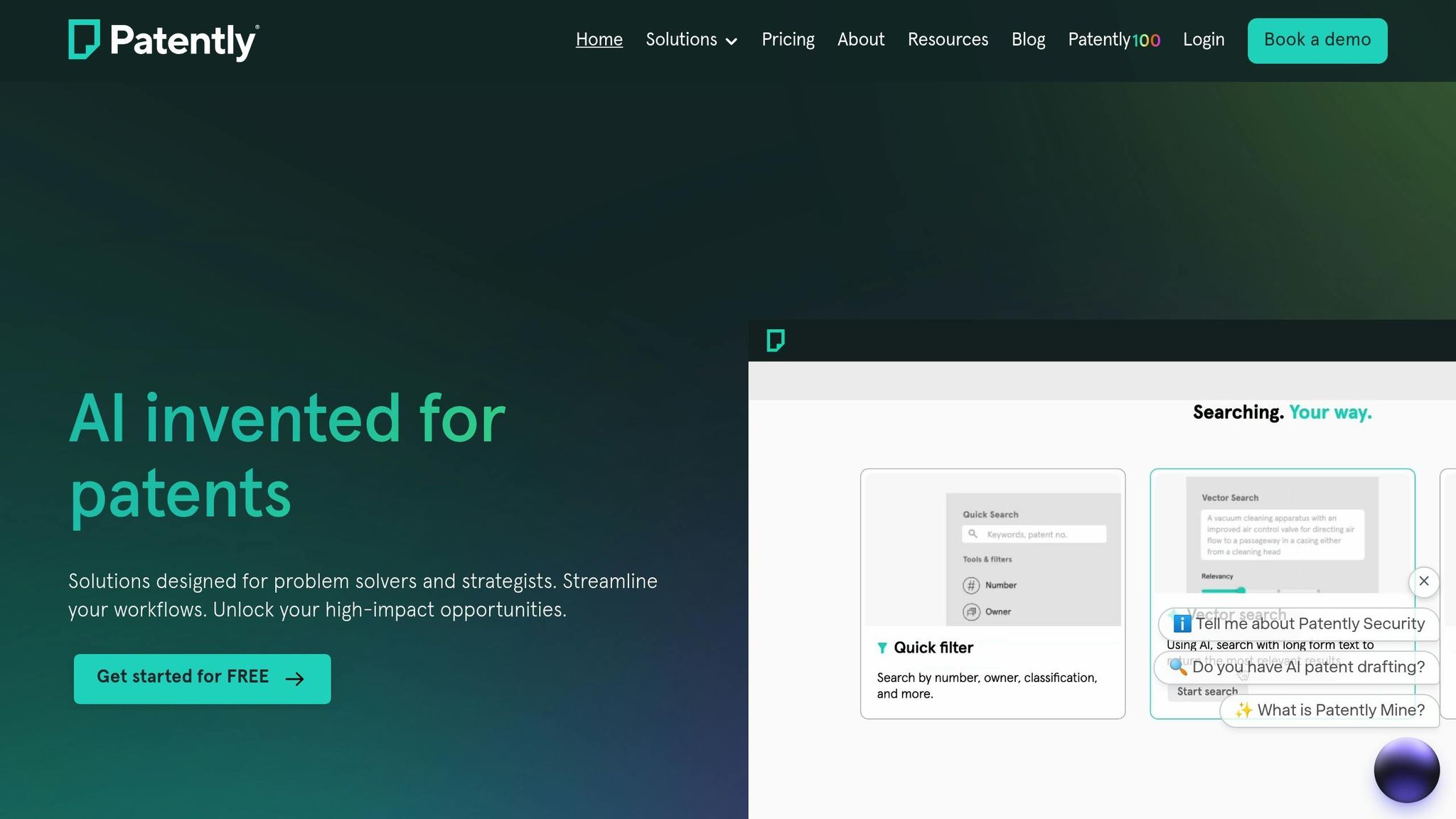
Patently’s AI tools transform how patents are discovered, analyzed, and reported. These advanced features go beyond basic keyword searches, saving time and simplifying complex tasks, especially when dealing with technical concepts that use diverse terminology. Professional users have reported cutting their initial scoping time by 20–40% compared to traditional Boolean keyword methods.
Use Semantic Search with Vector AI
Patently's Vector AI does more than match keywords - it understands the concepts behind them. This means it can find patents that are conceptually similar to your query, even if the terminology differs. For example, a single technology might be described as "additive manufacturing", "3D printing", "rapid prototyping", or "layer-by-layer fabrication." Vector AI connects the dots.
To get the most out of semantic search, start with a clear and specific technical prompt. For instance: "A battery-powered wearable photoplethysmography sensor with active noise cancellation, targeting heart-rate variability at 5 ms resolution in a wrist form factor." Including precise details like temperature in °F, dimensions in inches or mils, and power specs in watts makes the search more relevant for US-based needs. You can also anchor your search by including claims or abstracts from known patents.
Once you’ve run your search, review the top 20 results and identify recurring CPC and IPC codes. Use these codes to refine your search, narrowing results to the most relevant patents while still leveraging the power of semantic matching. Patently also makes it easy to track related patents using its citation and family tools.
Navigate Citations and Families
Patently’s citation browser is a powerful way to map both foundational and follow-up patents. Backward citations reveal the prior art a patent builds on, showing the groundwork for its problem-solving approach. Forward citations highlight newer patents that reference your target, helping you spot recent innovations, competitive activity, and potential design-around solutions - essential for freedom-to-operate analysis.
Here’s a practical workflow: Start with your best-match patent from Vector AI. First, explore its backward citations to understand the core technical lineage. Then, pivot to forward citations to uncover recent developments and identify competitors. This approach can expand your pool of candidate prior art by 3–10× during early reviews, giving you a broader perspective.
Patent families are another key feature. They group related filings across jurisdictions that share the same priority date. With Patently’s family view, you can ensure you don’t miss equivalent filings in important markets. Begin with a representative publication, like a US grant, and open the family pane to see equivalents, continuation, or divisional applications. You can filter by jurisdiction to focus on markets of interest and check publication dates and legal status to understand when rights apply in each region.
Manage Collaboration and Reporting
Patently isn’t just about powerful searches - it’s also designed for seamless collaboration and reporting. Its hierarchical project spaces let teams organize work across portfolios, projects, and collections, with role-based access controls.
For US-based teams, sensitive projects like freedom-to-operate studies can have restricted access at the collection level, while broader landscape research can remain open to a wider group. The platform tracks every edit, tag, rating, and comment, meeting US documentation standards.
Standardized labels like "Relevant - Claim 1" or "Exclude - Non-enabling" help maintain consistency during reviews. Patently also generates PDF and Word reports tailored for US audiences, using dollar signs for cost estimates, comma-separated thousands, and MM/DD/YYYY date formats. These reports can include executive summaries highlighting risk levels, key US market assignees, and recommended next steps.
For added accuracy, Patently provides one-click links to verify results directly against USPTO, EPO, and WIPO records. This ensures compliance with USPTO guidelines, which recommend reviewing full-text records from official databases when making critical decisions. With these tools, preparing legal-grade documentation becomes a streamlined and reliable process.
Key Takeaways
Conducting a thorough patent search involves combining both traditional methods and modern AI tools. Begin by defining clear objectives and gathering any existing information before diving into databases. This preparation not only saves time but also helps pinpoint the most relevant patents efficiently. These foundational steps set the stage for using more advanced tools later.
The USPTO Patent Public Search serves as the primary resource for U.S. patents, offering both basic keyword searches and advanced classification options. To broaden your search, consider using Espacenet for European patents and PATENTSCOPE for WIPO publications. These international databases often reveal critical prior art that might otherwise be missed.
Using CPC (Cooperative Patent Classification) and IPC (International Patent Classification) codes adds precision to your search. These codes help uncover patents that may use different terminology but relate to the same concepts. Pairing these classifications with carefully chosen keywords strikes a balance between thoroughness and relevancy.
Traditional database searches can be elevated by incorporating AI-powered tools like Patently’s semantic search. Unlike keyword-based searches, Vector AI understands the underlying concepts, making connections between related topics such as "additive manufacturing", "3D printing", and "rapid prototyping."
Patently’s citation and family tools further enhance your search by uncovering foundational (backward) patents and subsequent (forward) patents. This approach significantly expands the pool of potential prior art during the initial review process.
Patent searching is an iterative process. Start with a broad search, review initial results, and refine your strategy as needed. Using Patently’s collaborative features - such as standardized labels and role-based access controls - can also help maintain consistency across team reviews.
Lastly, always cross-check critical findings with official records from the USPTO, EPO, and WIPO before making any major decisions. This step ensures your analysis is thorough, reliable, and meets professional standards.
FAQs
What are the key differences between the USPTO, EPO, and WIPO patent databases, and when should I use each one?
The USPTO database is your primary resource for patents filed and granted in the United States. It's the best option if you're diving into U.S. patents or need insights into American patent law.
The EPO database focuses on patents across Europe, offering detailed coverage of European filings. It's particularly helpful when you're looking into innovations spanning European countries.
The WIPO Patentscope database takes a global approach, including international applications under the Patent Cooperation Treaty (PCT). This is the ideal tool for conducting worldwide patent searches or exploring patents shared among major patent offices.
Here’s a quick breakdown:
USPTO: Best for U.S. patents.
EPO: Tailored for European patents.
WIPO: Perfect for international or global patent searches.
How can I use CPC and IPC classification codes to improve my patent search?
To get better results from your patent search, make the most of CPC (Cooperative Patent Classification) and IPC (International Patent Classification) codes. Start by determining the specific technology area you're researching. These classification systems are structured hierarchically, which helps you zero in on the relevant subclasses or groups tied to your field.
Pay special attention to CPC codes because they provide more detailed categorization within technical areas. Once you've identified the right codes, use them to refine your search queries. Many patent databases let you search directly using these codes, which can save you time and improve the precision of your results.
Using classification codes thoughtfully can lead you to more relevant patents and ensure a comprehensive review of existing technologies in your area.
What can I do to avoid missing important patents that might use different terms or classifications?
To make sure you don’t miss important patents that might use different words or fall under varied classifications, it’s a good idea to combine keyword searches with classification-based searches. Systems like CPC (Cooperative Patent Classification), IPC (International Patent Classification), and USPC (United States Patent Classification) can help you dive into related categories and expand your search scope.
Think about alternative terms, synonyms, and any technical jargon tied to your invention. Building a thorough list of keywords and pairing them with classification codes can help refine your search and reveal patents that might be listed under unexpected categories.
Using this multi-layered approach increases your chances of finding patents that might otherwise slip through the cracks due to differences in terminology or classification.